
Where Was I? / Mac workspace guides
Practical guides for interrupted work
How to pick up work where you left off on a Mac
Make the next start small and obvious.
Coming soon · Free to try at launch. Get notified →
Leave yourself a next action, not just open windows
When you stop working, write one sentence about the current state and one about the next action. Keep them with the apps and tabs you will need. On your return, read the note before trying to reconstruct the task from memory.
For example: “The prototype is ready for review. Next: share it with the launch group.” That is a more useful starting point than “Continue prototype.”
What to put in a return checkpoint
- Current state: what is finished, decided or still being explored.
- Next action: one concrete thing you can do when you return.
- Important context: the reason for a decision or the reference you should read first.
- Any blocker: what you are waiting for and who or what can unblock it.
- The workspace: the apps, browser tabs and window arrangement relevant to the task.
You do not need a long diary entry. A few specific lines are easier to scan than a complete account of the session.
Keep the handover with your workspace in Where Was I?
- Open the project you are pausing. Keep the relevant apps and browser tabs ready.
- Select Save checkpoint. Capture the workspace while it still reflects the work.
- Record your context and next step. Use a concrete verb: check, write, compare, send or test. Complete any requested screen-access setup and finish saving.
- Return through the saved checkpoint. Read the next step and review the saved workspace.
- Select Resume workspace. Review the apps and tabs, choose Resume selected items, then begin with the action you left yourself.
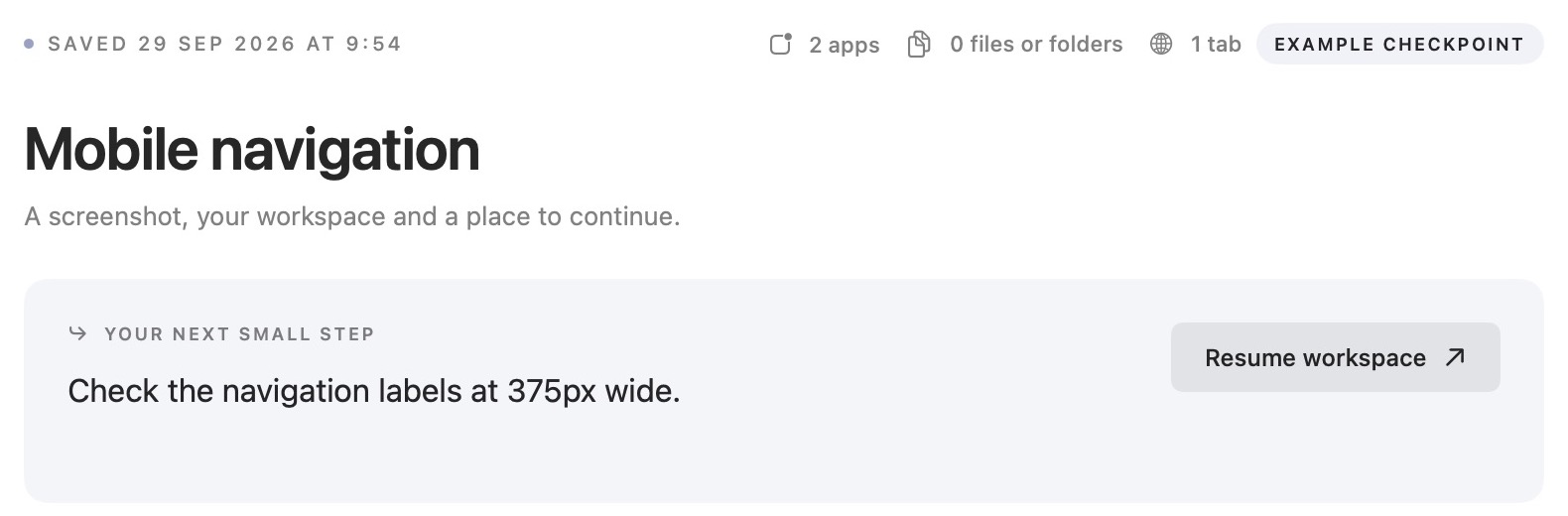
Reconnect the visual workspace with the task
The saved screenshot helps you recognise the moment you stopped. The saved apps, browser tabs and window positions help you return to the setup. Your note explains why those things were open.
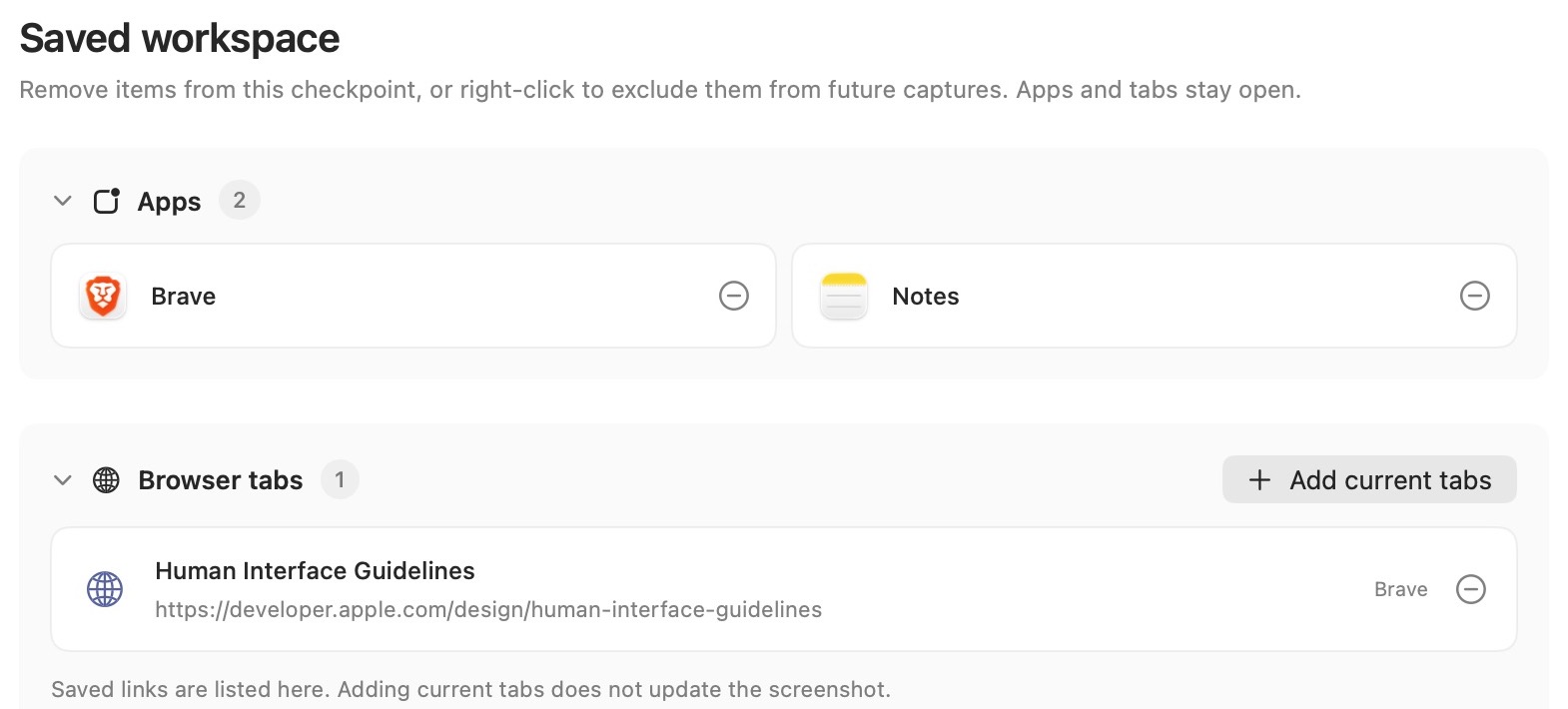
Where Was I? keeps checkpoints locally on your Mac. Save changes inside your working apps as usual; a checkpoint is a way back into the task, rather than a substitute for saving the documents themselves.
If you stop mid-task frequently, save a checkpoint before a meeting or at the end of a work session. On your next return, check whether the note was specific enough to act on, and improve the next one if needed.
For a routine covering two separate projects, read how to switch projects without losing your place. For the layout itself, see saving and restoring window positions.